
This page contains affiliate links. If you make a purchase through one, we may earn a commission at no extra cost to you.
Before comparing specific plans, it’s worth answering a more basic question: which type of hosting do you actually need? The three options solve genuinely different problems, and picking the wrong one wastes either money or performance.

Shared Hosting: Someone Else Runs the Server for You
Shared hosting puts your site on a server alongside many other websites, all splitting the same CPU, RAM, and storage. The host manages everything — security updates, server configuration, backups — so you never touch a command line. That’s the entire appeal: it’s the easiest, cheapest way to get a website online with zero server knowledge required.
The tradeoff is resources and control. You’re sharing a server with strangers, so a traffic spike on someone else’s site can occasionally slow yours down, and you can’t install anything the host doesn’t already support. For a first website, a local business site, or a low-traffic blog, this is usually the right call — there’s no reason to pay for more control than you’ll use. Netart’s shared and managed hosting is a solid fit here.
VPS: Your Own Slice, Root Access Included
A VPS (virtual private server) still shares physical hardware with other customers, but you get your own isolated slice of it, with dedicated CPU and RAM allocations and full root access. Nobody else’s traffic spike slows your site down the way it can on shared hosting, and you can install and configure anything you want — but that also means you’re responsible for configuring and securing it yourself, or knowing enough to get help doing it.
This is the right fit once a site has outgrown shared hosting’s resource limits, or when a project genuinely needs software or configuration a shared host won’t allow. Contabo’s VPS plans are built specifically for this — real, generous resources, self-managed, priced for people who want control without paying for hand-holding they don’t need.
Dedicated Servers: The Whole Machine
A dedicated server is an entire physical machine, used by nobody but you. Maximum resources, maximum control, and a price to match. This only makes sense once traffic is genuinely large — the kind of volume where sharing hardware with anyone else at all becomes a real bottleneck, not just a theoretical one. Most sites, including most successful ones, never actually need this tier.
The Real Signs You’ve Outgrown Shared Hosting
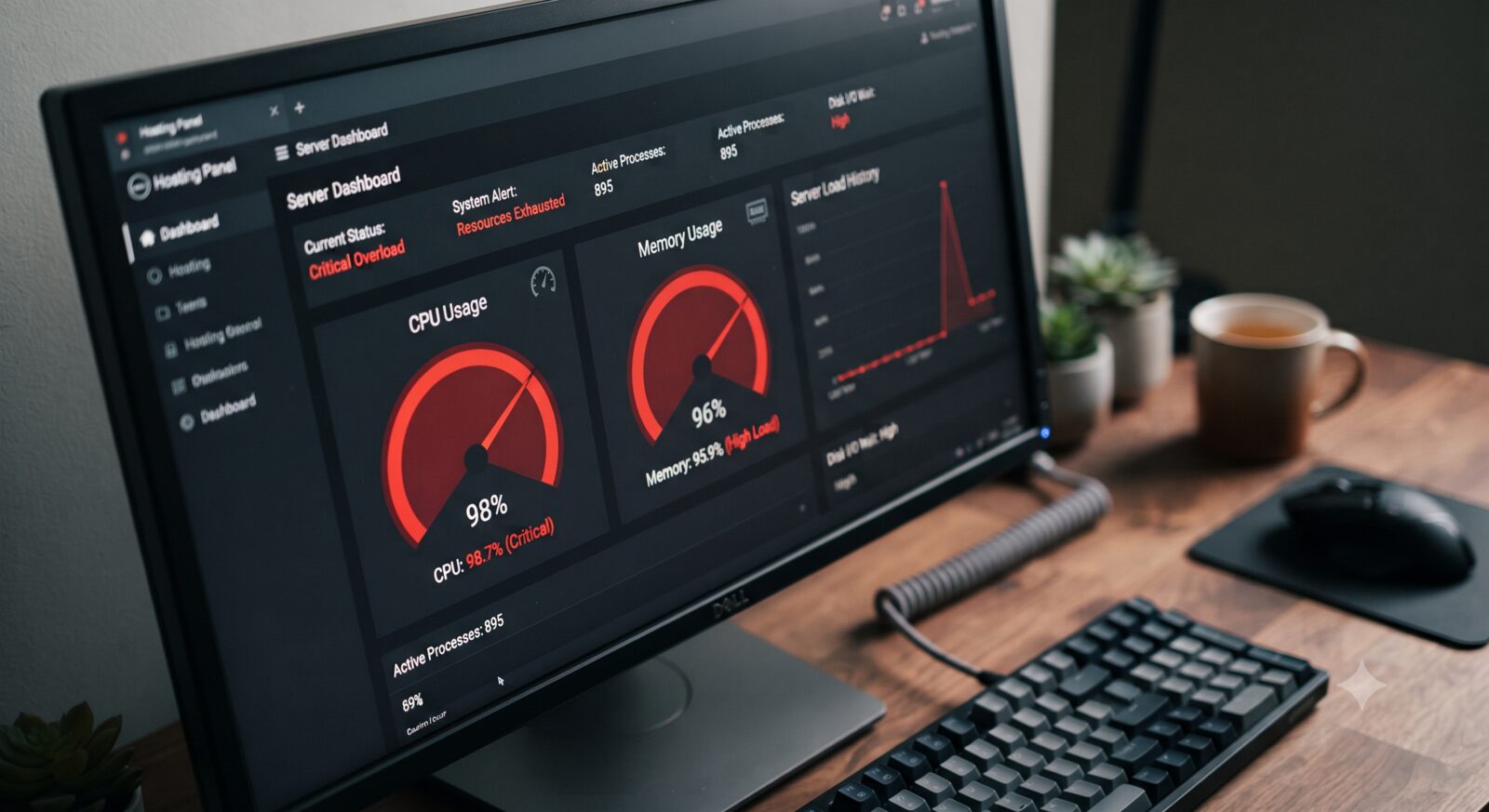
Rather than guessing, there are specific, concrete signals worth watching for instead of switching tiers just because VPS sounds more serious. A host’s control panel showing your account regularly hitting its CPU or memory limit, even during normal (not spike) traffic, is the clearest sign. So is a site that slows down noticeably during hours you know aren’t your own traffic peaks — that’s usually a neighbor on the same shared server having a busy moment, and it’s the exact problem a VPS’s isolated resources exist to solve. A third real signal: needing specific software, a particular PHP or database version, or a background process a shared host’s standardized environment simply won’t allow, regardless of how much traffic you actually have. Any one of these three is a legitimate reason to move; wanting to feel more technical isn’t.
The Actual Decision
- Never touched a server before, just want a website live: shared hosting.
- Comfortable with a command line, or willing to learn, want real control and better value: VPS.
- Running something at genuinely large scale: dedicated.
Most people overthink this decision. The honest answer for the large majority of home projects, small businesses, and personal sites is shared hosting to start, moving to a VPS only once there’s a real, specific reason to — not because VPS sounds more advanced.
Frequently Asked Questions
Can I start on shared hosting and move to a VPS later?
Yes, and this is the normal path for most sites. There’s no penalty for starting on shared hosting — migrating to a VPS later is straightforward once there’s an actual reason to.
Do I need to know Linux to use a VPS?
Not as much as you might think anymore. Basic comfort with a command line helps, and AI tools have made it realistic for a non-coder to configure and troubleshoot a VPS step by step — see our piece on why you don’t need premium support anymore for the specifics.
Is VPS always more expensive than shared hosting?
Not necessarily — budget VPS plans can cost about the same as mid-tier shared hosting while offering meaningfully more resources. The real cost difference is your time and comfort managing it yourself, not always the sticker price. See Contabo’s current VPS pricing to compare directly against a shared hosting plan you’re considering.